If you have read any of our articles about automation, you have probably seen the word “n8n”. It sounds like a secret code, but the idea is simple: it is the tool we use to link your apps (email, a spreadsheet, your website, WhatsApp…) so that repetitive tasks run by themselves. In this article we explain what it is, how it works and why we like it, with no jargon.
What n8n is, in plain words
According to its own documentation, n8n is a “fair-code” licensed workflow automation tool (the code is accessible, but with some conditions of use) that combines AI features with business process automation.
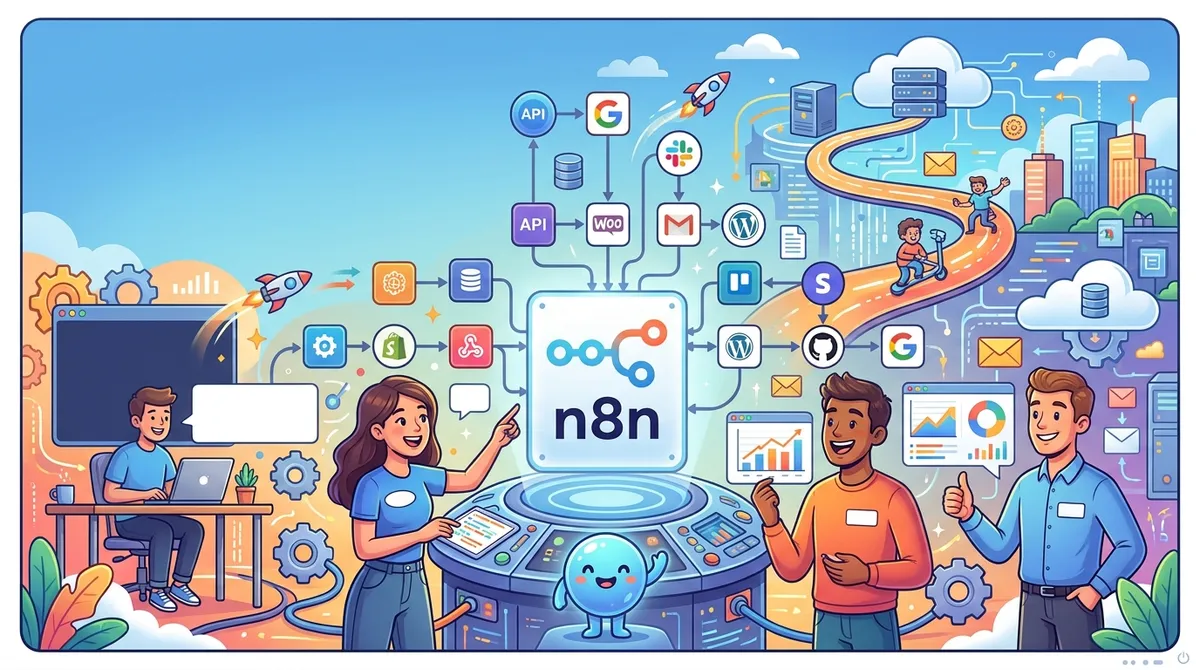
In other words, it is like a box of Lego bricks. Each brick does one small thing (receive a message, read a spreadsheet, send an email) and you snap them together one after another to build a complete path. That path is called a workflow.
If you want the general background on automation, we explain it in What is AI automation.
The two key pieces: nodes and triggers
In n8n, everything is built with nodes. The documentation defines a node as an entry point for retrieving data, a function to process data, or an exit for sending data. In everyday terms: a node is one “station” along the path.
Among all the nodes there is a special one, the trigger node: the one that starts the workflow when something specific happens. According to the documentation, every production workflow needs at least one.
An imaginary example to make it clear:
- Trigger: a new email arrives with an enquiry.
- Middle node: the person’s details are copied into a spreadsheet.
- Final node: a notification is sent so someone on the team can follow up.
Each step is one brick. If tomorrow you want to add another step, you do not start from scratch: you snap in one more brick.
What we like about n8n
We use it in our work for very practical reasons, all of them stated on the tool’s official website:
- Lots of ready-made connections. n8n says it offers more than 500 native integrations, and that you can connect any other app that has an API (the “door” through which one program talks to another).
- It is built visually. Workflows are put together in a visual editor, and you can add code only when needed. It also helps a workflow make sense at a glance, because you can see the path drawn out.
- You decide where it lives. You can install it on your own infrastructure or use the hosted (cloud) version the company offers.
- There is human oversight. n8n mentions human-in-the-loop approvals, version history and step-by-step error recovery. For us this matters: automation should help people, not replace their judgement.
Where we really use it
So that it is not just theory, here are two of our own projects that run on n8n, which you can read about in detail:
- CryptoSignal: a workflow fires every hour, checks which users have a scheduled signal and generates their signal with real market data.
- ¿A dónde va tu plata?: several workflows check official pages at regular intervals, but none of them publishes anything without a person reviewing it first.
Notice the second one: the robot does the repetitive work of looking and collecting, and a person decides what gets published. That is the idea we always follow.
Do you have to learn n8n yourself?
Not necessarily. The documentation itself shows that installing and maintaining it can be more or less technical depending on the method you choose (from a one-line installation to setups using Docker, a tool for packaging programs). That is why, in practice, we are the ones who build and maintain it for you.
What is left to you is the most important part: knowing which task eats up your time. If you are not sure where to start, how to choose your first task to automate will help.
If you have a repetitive task in mind and want to know whether it can be snapped together from a few bricks, tell us about your project: we would love to hear from you.